Skip to main content
Deleting Quotes and Sales Orders
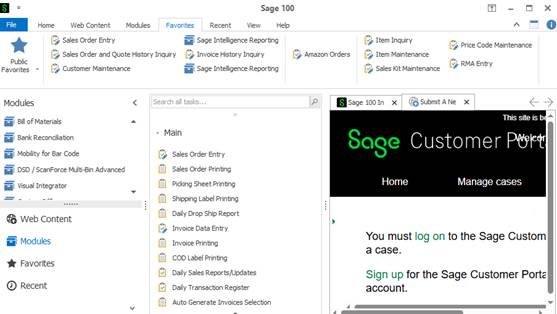
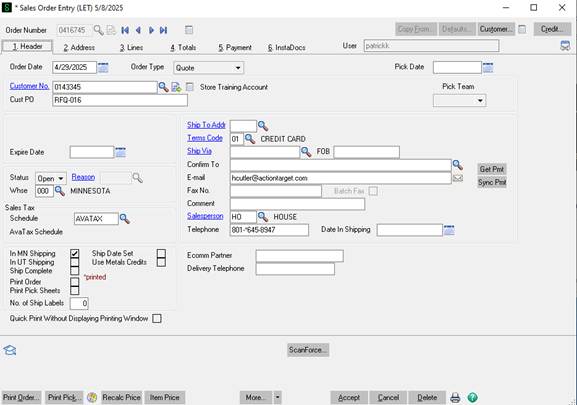
- Under the Sales Order module open Sales Order Entry
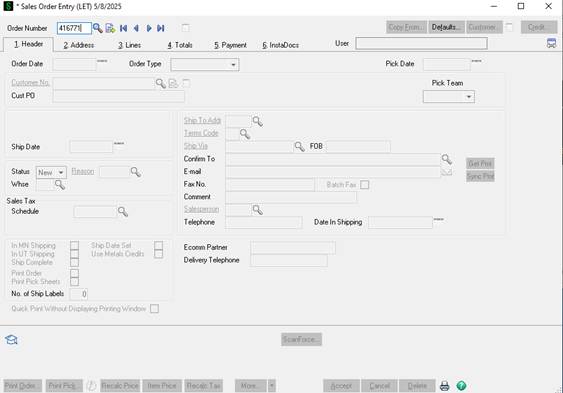
- Hit tab or enter
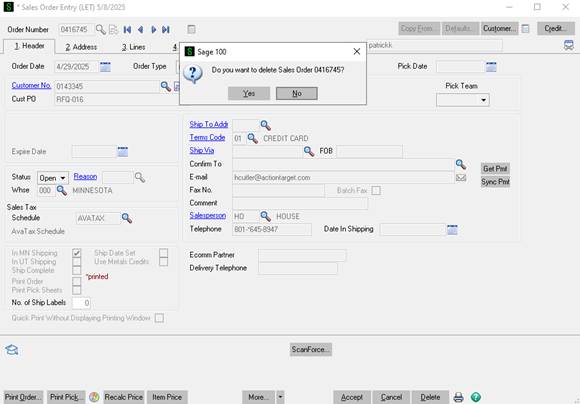
- Click Delete in the bottom right hand corner.
- Note the cancel button is used for canceling any changes you have made in the sales order/quote. It will not delete the sales order.
- Click Yes
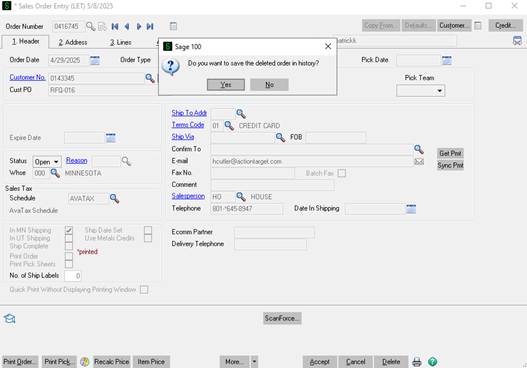
- It will ask if you want to save the deleted order in history. Select Yes.
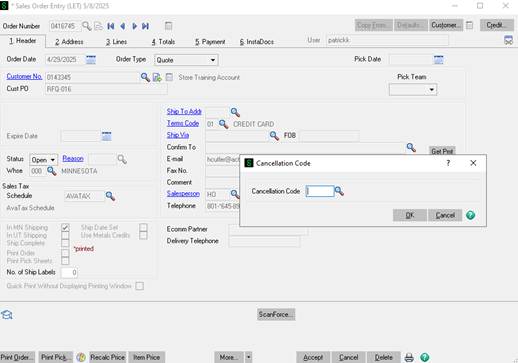
- You will then be promoted to select a cancelation code. Select the appropriate reason and click on OK.
- The order is now deleted. Double check by searching for the order number in Sales Order Entry. It should not pull up. If you search for the order in Sales Order and Quote History Inquire you will be able to see it and that it was deleted.