Starship Cloud - User Config
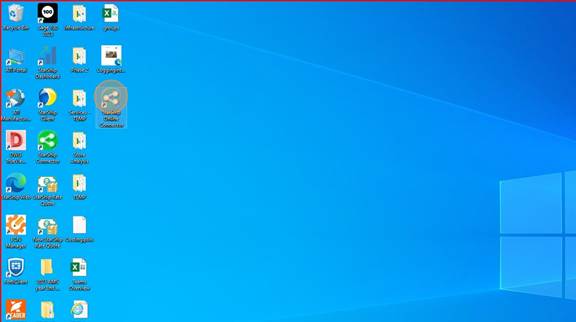
1. Double-click on "Starship Online Connector"
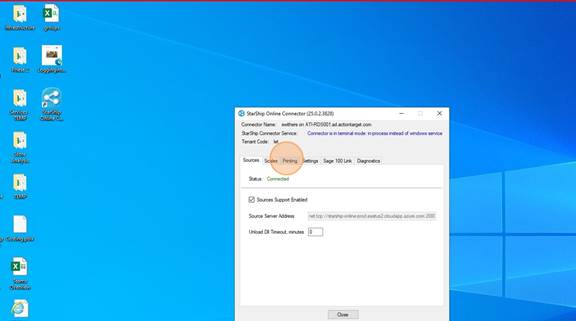
2. Click on the "Printing" tab
3. Click on "Configure"
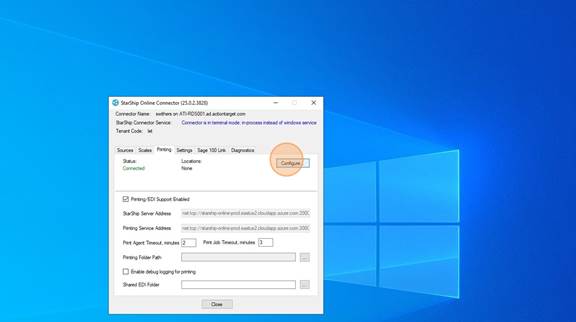
4. Choose the location (s) where the User will be shipping from. You can choose multiple locations.
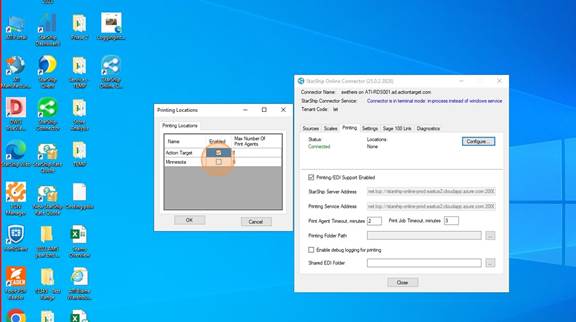
5. Click "OK"
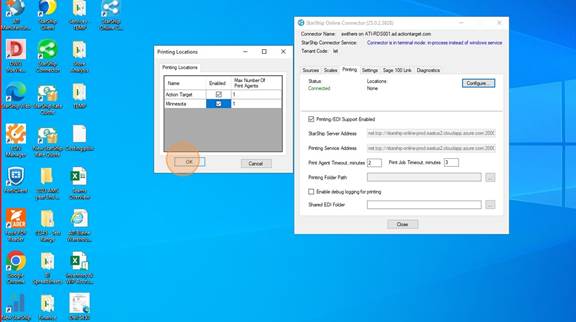
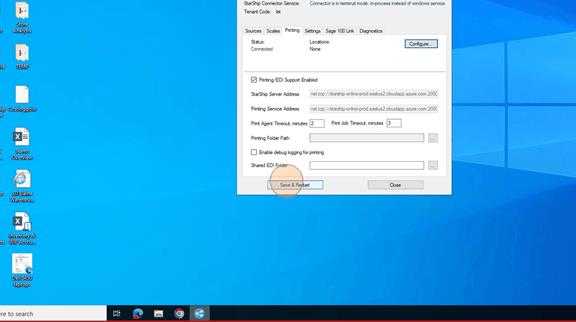
6. Click on "Save and Restart". Then wait until the Staus shows Connected and the location(s) are in there with Active next to them.
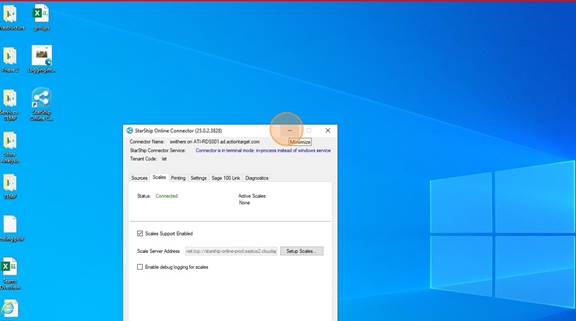
7. Once it looks like below with the location(s) and the Active showing, you are done here. DO NOT CLOSE the Connector. This MUST STAY OPEN while you are using Starship Cloud. It can be minimized.
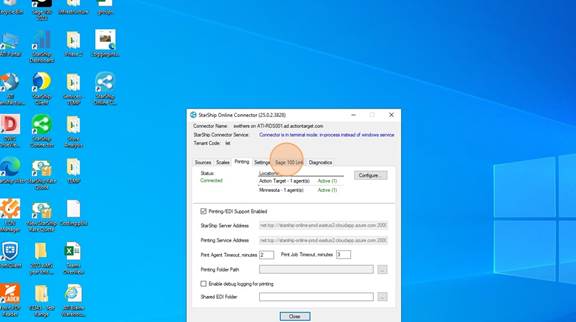
8. MINIMIZE the window
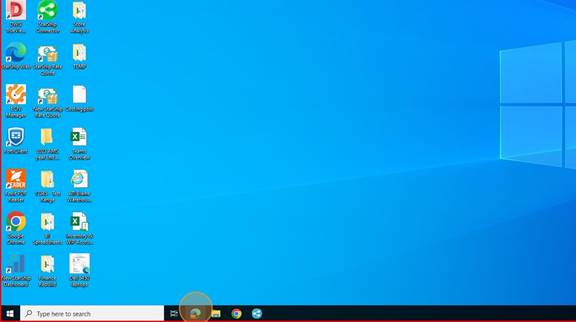
9. Open a browser
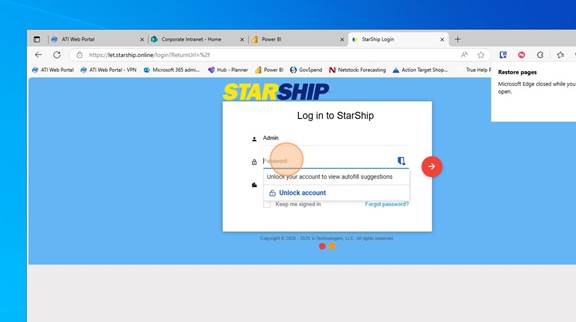
10. Type in "let.starship.online" and go to the page
Log in with your Starship Cloud Username and Password. This should have been emailed to you.
11. Click on the Gear icon
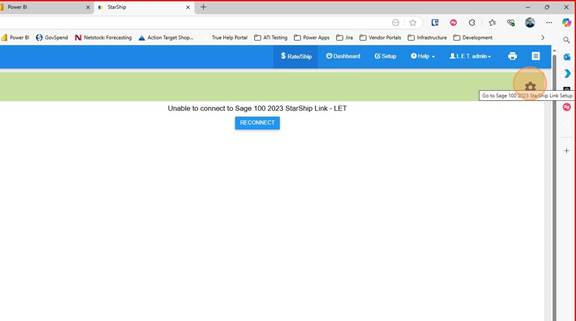
12. Click "New Company"
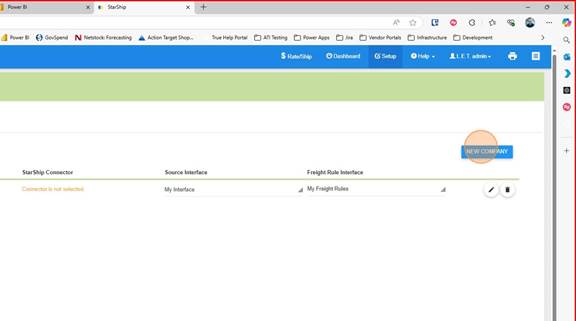
13. Choose the connector you just created.
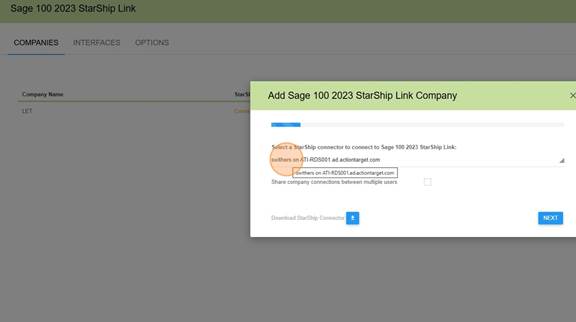
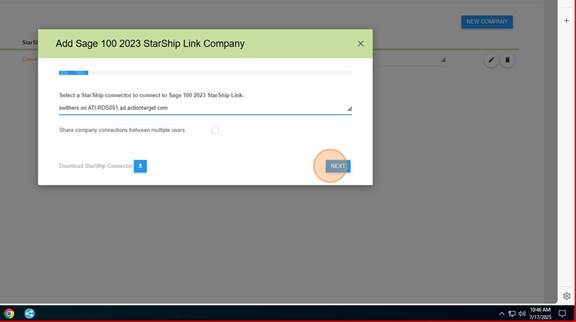
14. Click "Next"
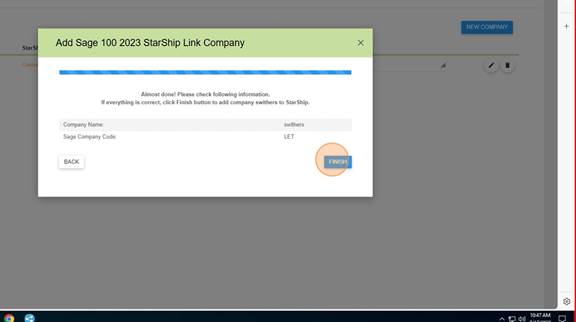
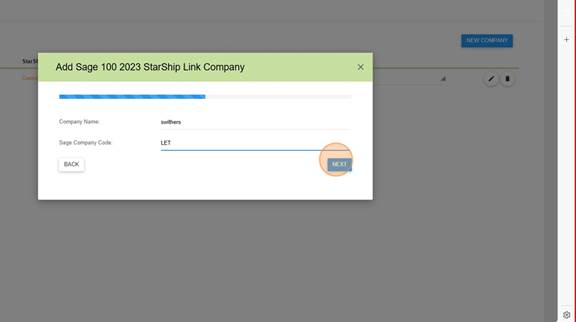
15. For Company Name - Your Username (the example below is swithers)
For Sage Company Code - LET
Click on "Next"
16. Click "Finish"