
Create a Starship Shipment with FedEx Freight Page
Create a Starship Shipment with FedEx Freight
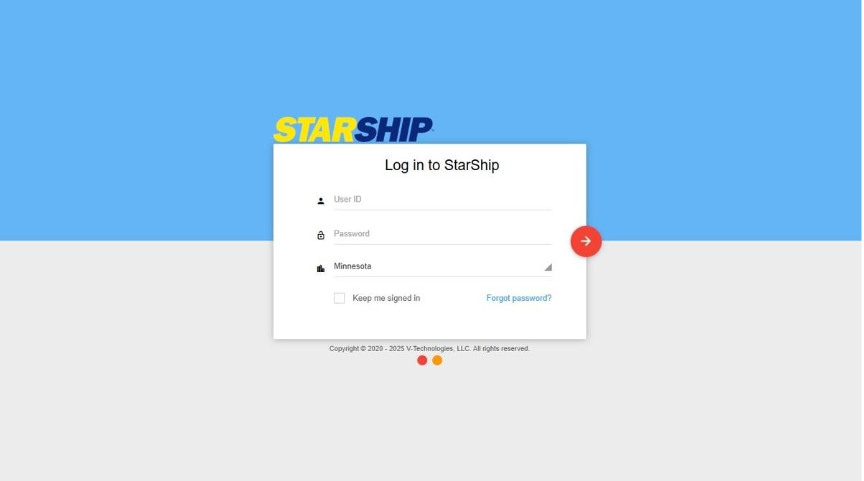
-
Click the "User ID" field.
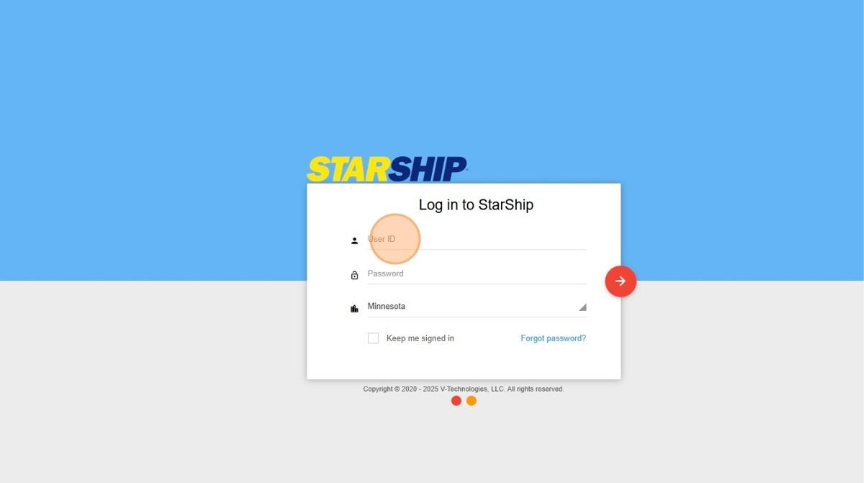
-
Click here.
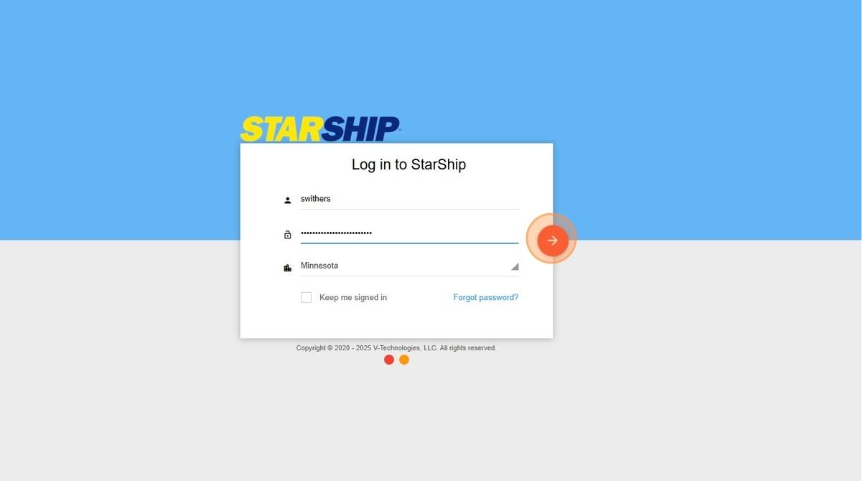
-
Click "Sage 100 2021 - 2025"
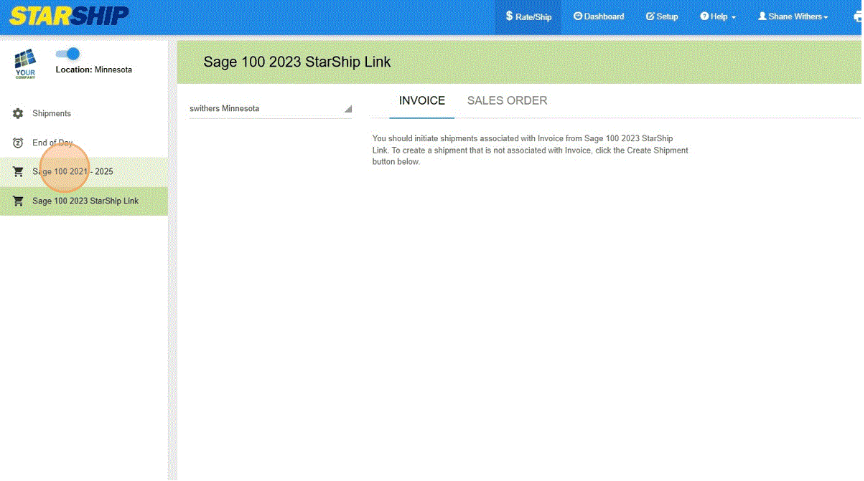
-
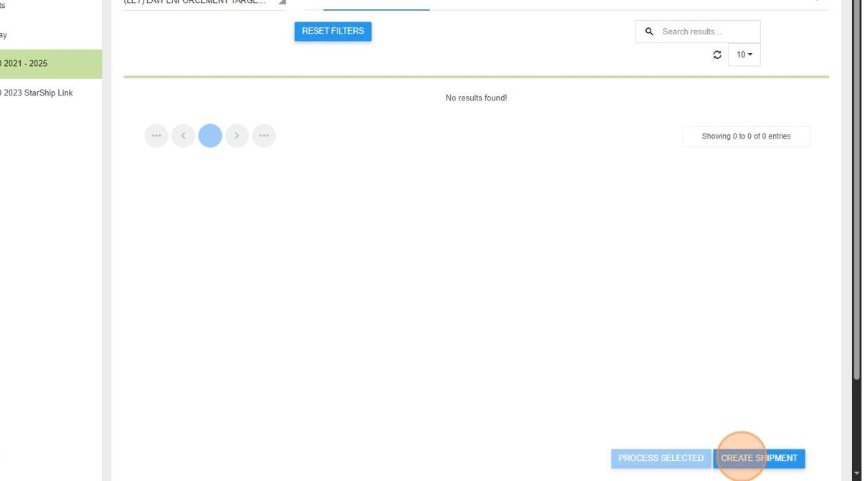
Click "Create Shipment"
-
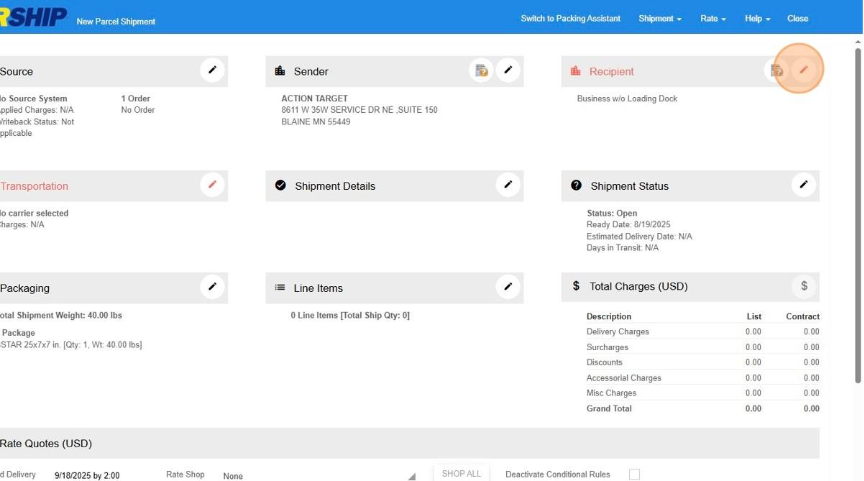
Update the Recipient
-
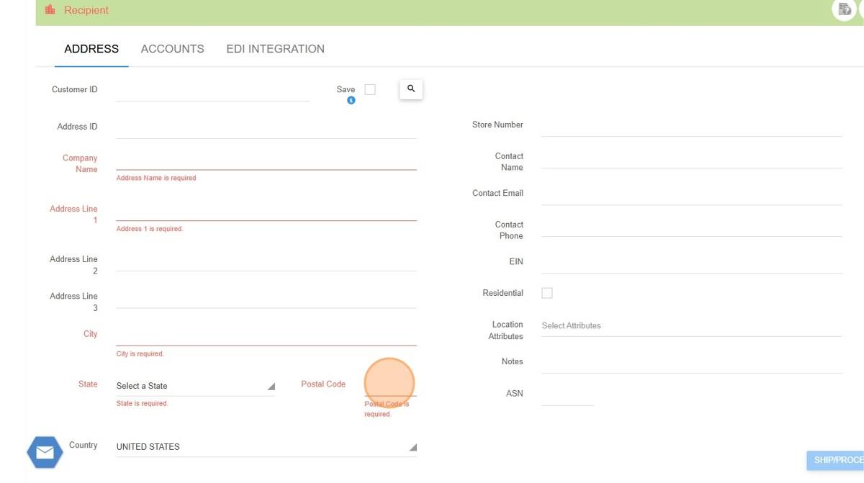
Fill out the Recipient Address
-
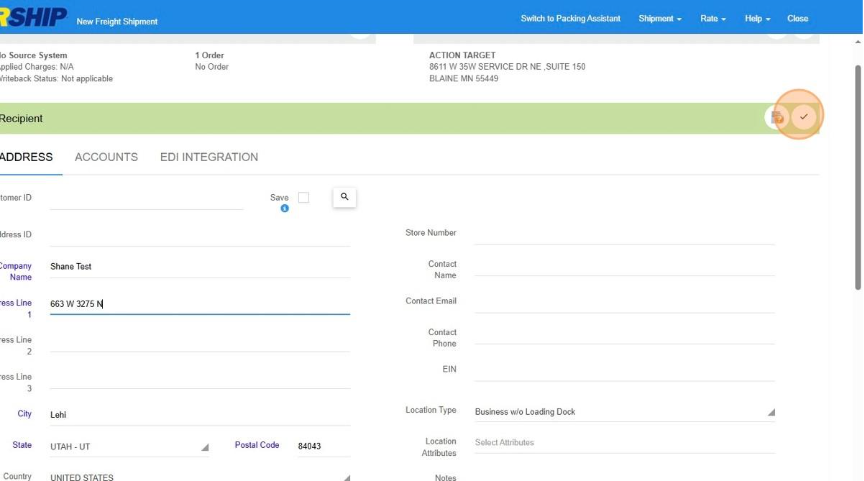
Click here.
-
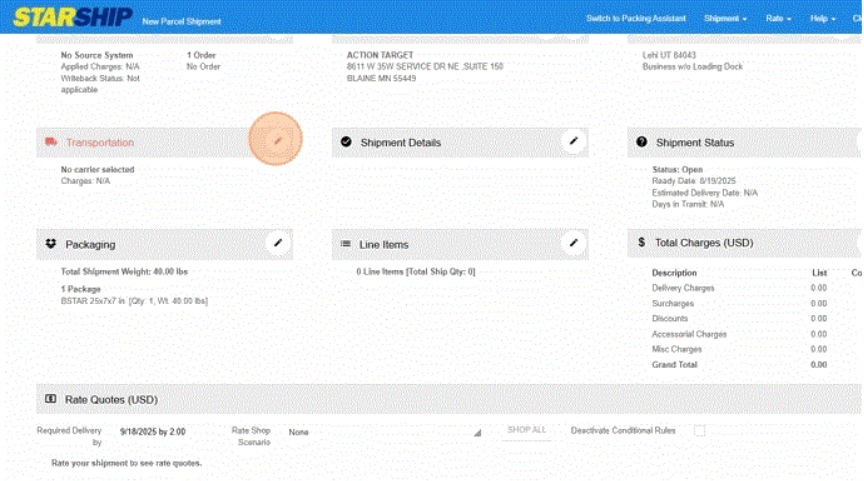
Click on Transportation
Click "Select a Carrier"
-
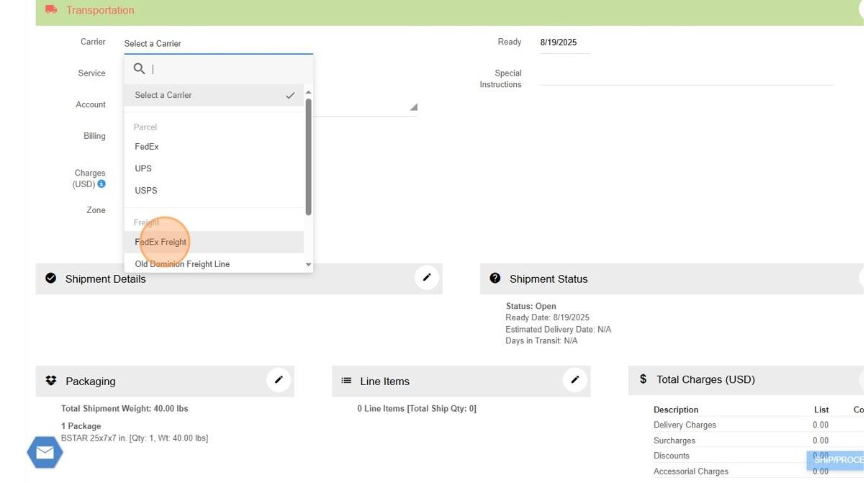
Click "FedEx Freight"
-
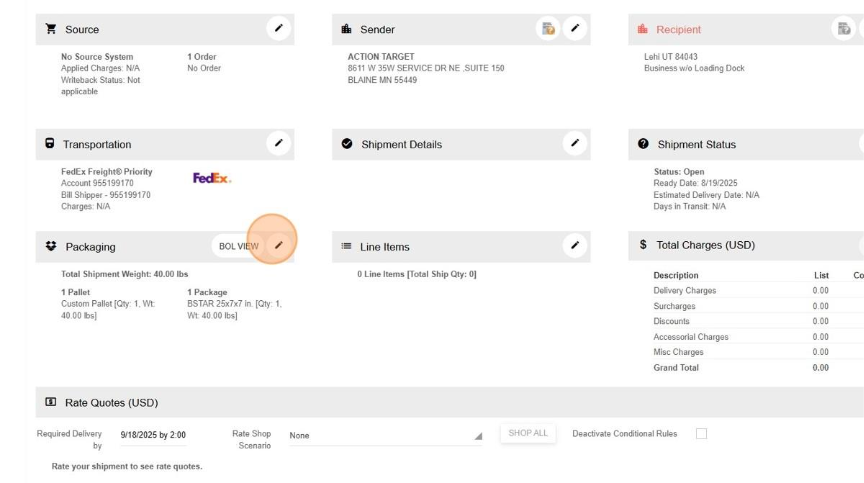
Click this button.
-
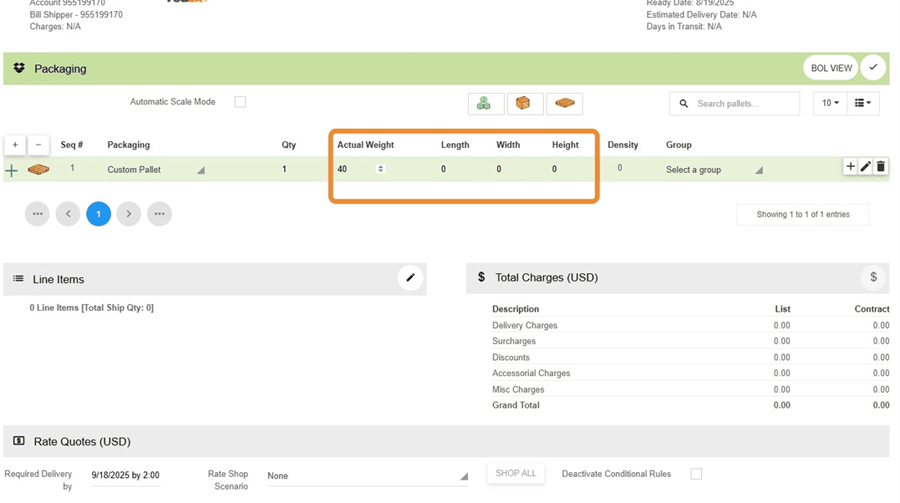
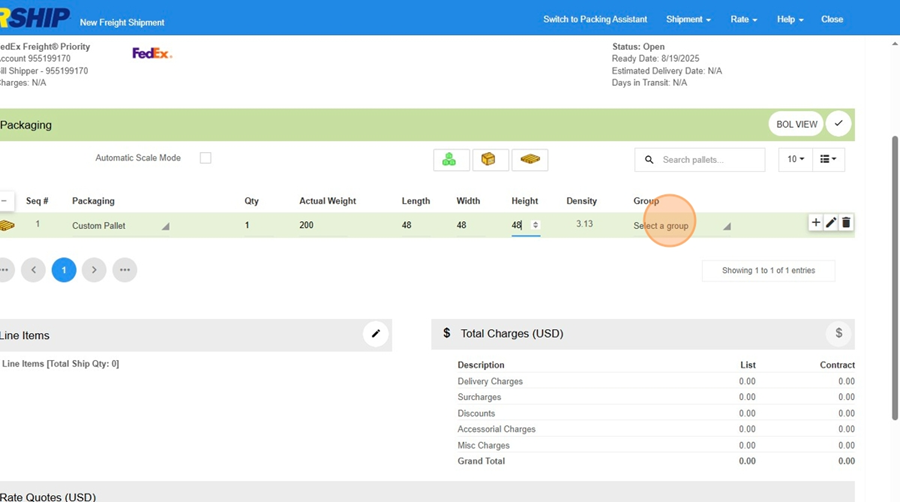
Fill in the Weight, Length, Width and Height
-
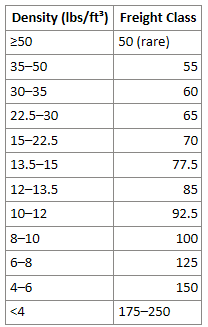
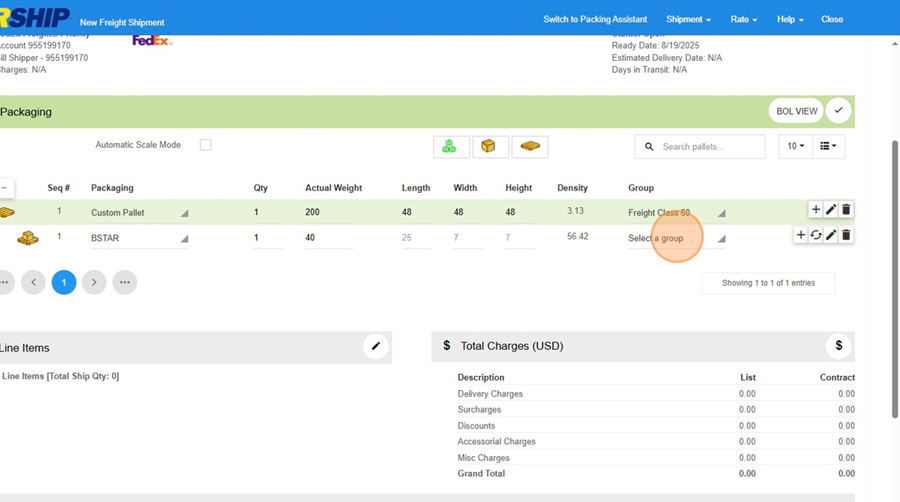
Click "Select a group" based on the Density field next to the Group. Use this table to choose the correct group.
-
-
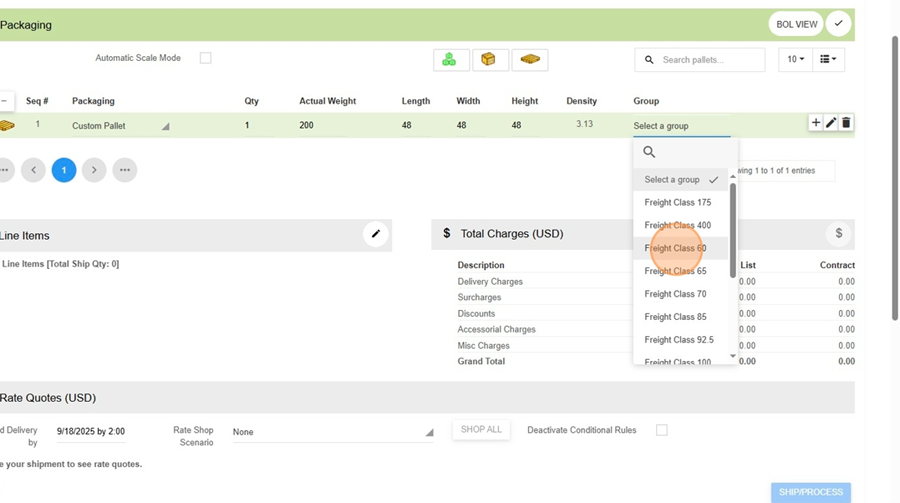
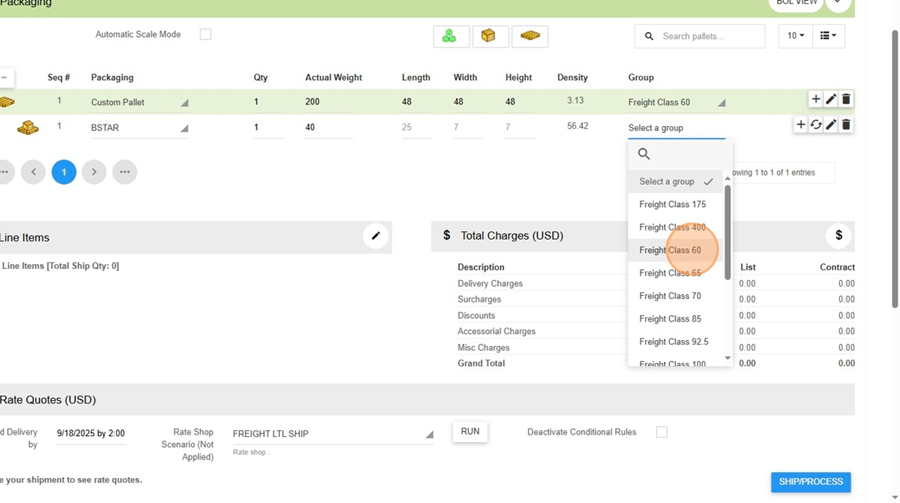
Choose the correct freight class
-
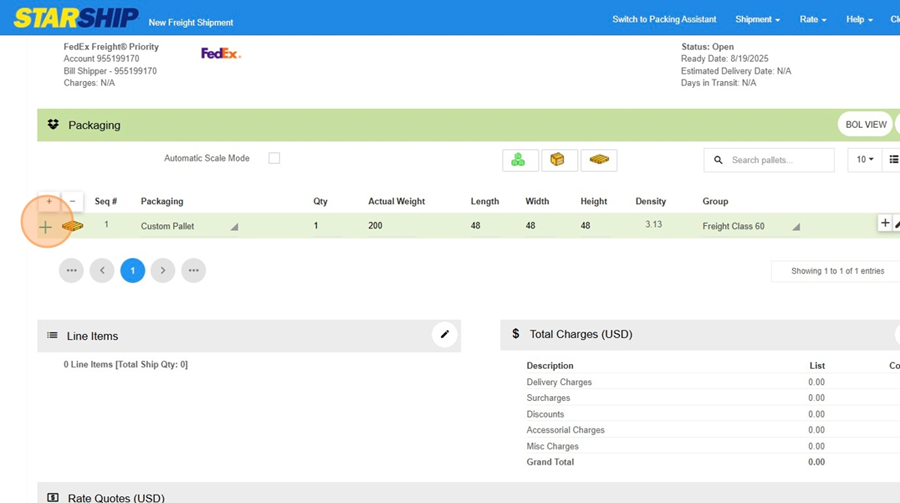
Open up the pallet
-
Choose the appropriate group for the package
-
Click "Freight Class 60"
-
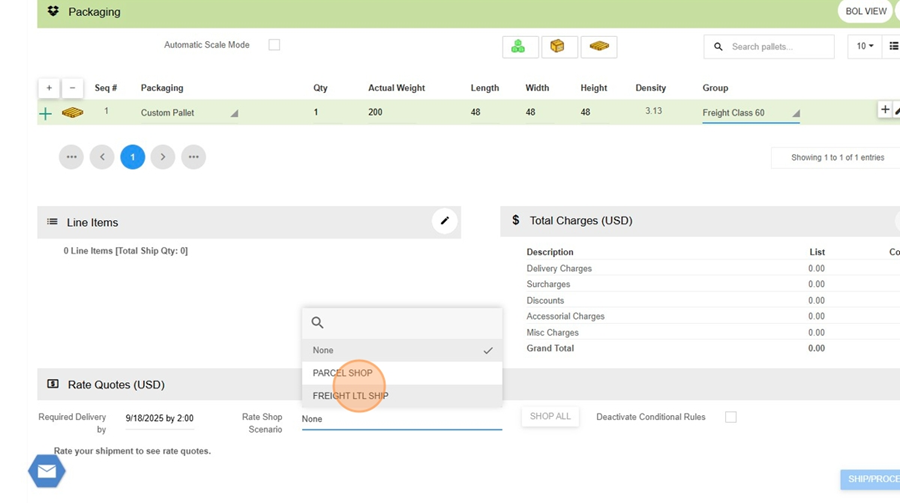
Click "FREIGHT LTL SHIP"
-
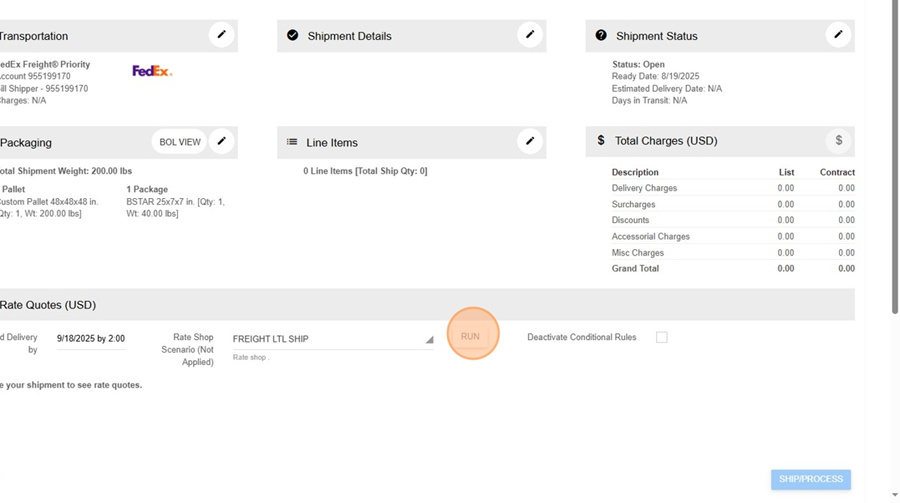
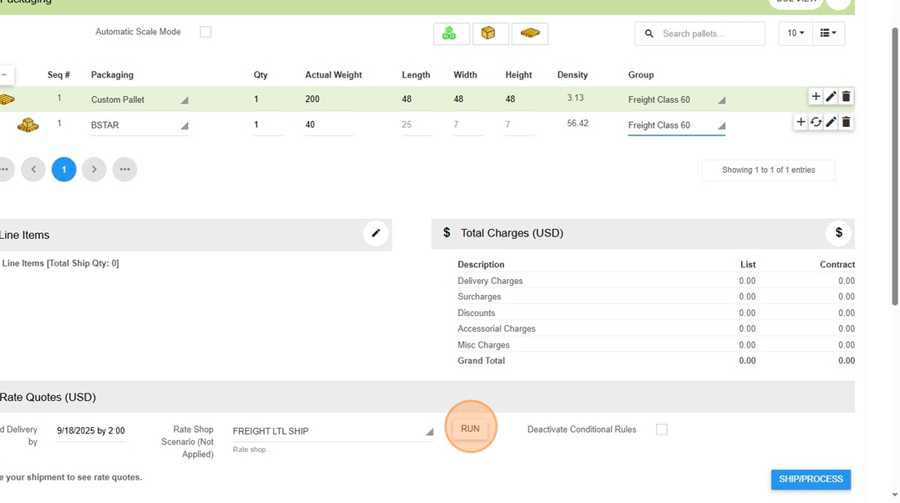
Click "Run"
-
Click "Run"
-
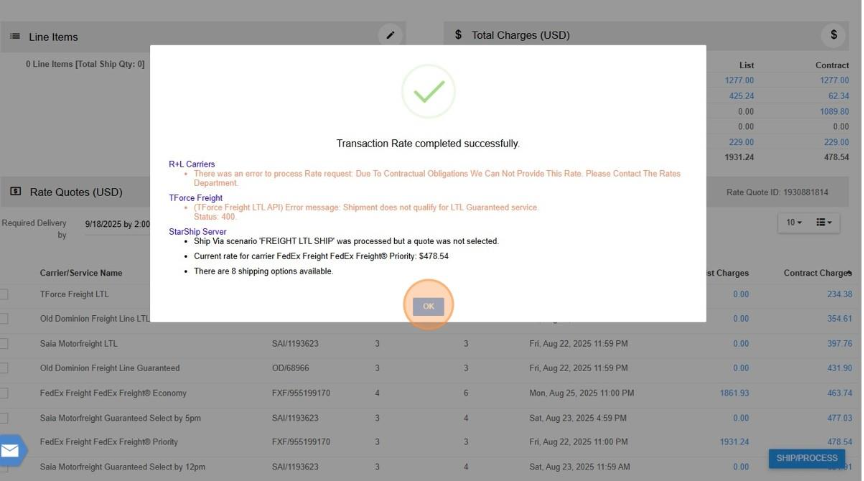
Click "OK"
No Comments