
Starship Cloud - User Print Profile
The Starship Online Connector on your desktop must be setup and running on your desktop before you can do any of these steps.

Printing Profiles are used to print the correct labels and paperwork for each of the different Shipping companies that we use. In Blaine, there are 2 main profiles, one for Truck lines and one for Parcel shipments, although each station can ship both.
For purposes today, we are going to Copy the profile
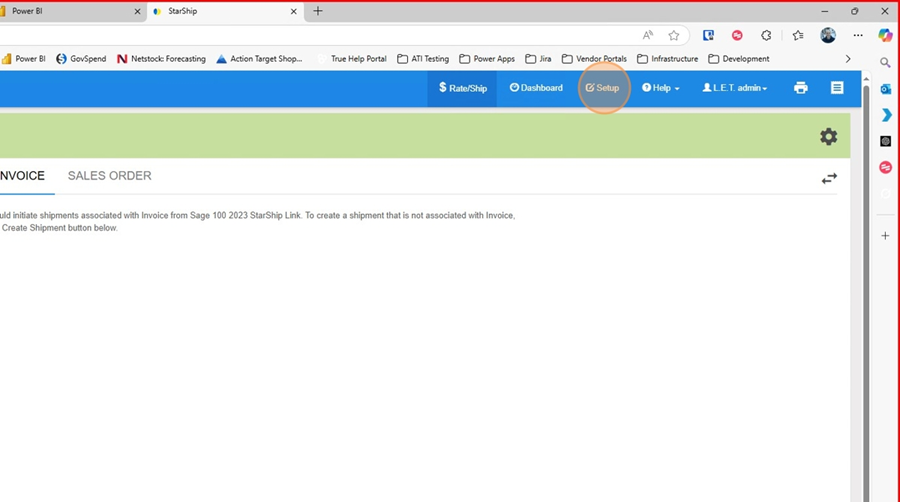
- In Starship Cloud click on Setup
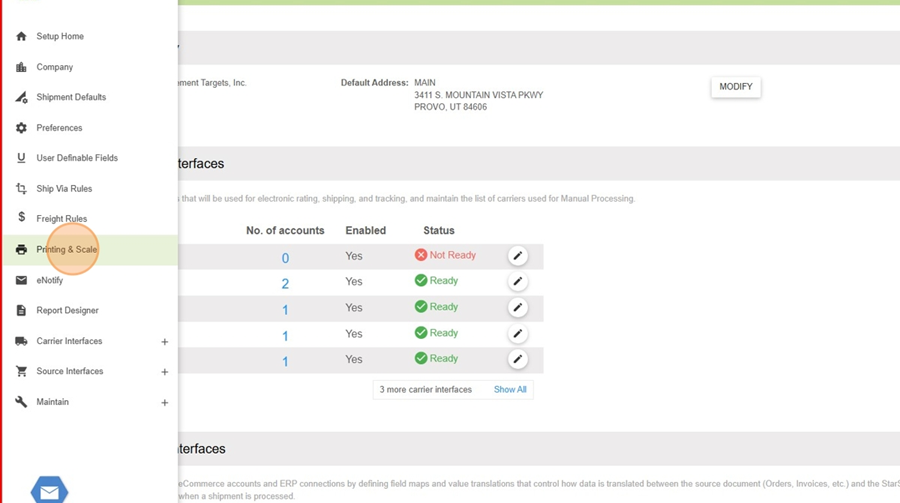
2. Click on "Printing and Scale"
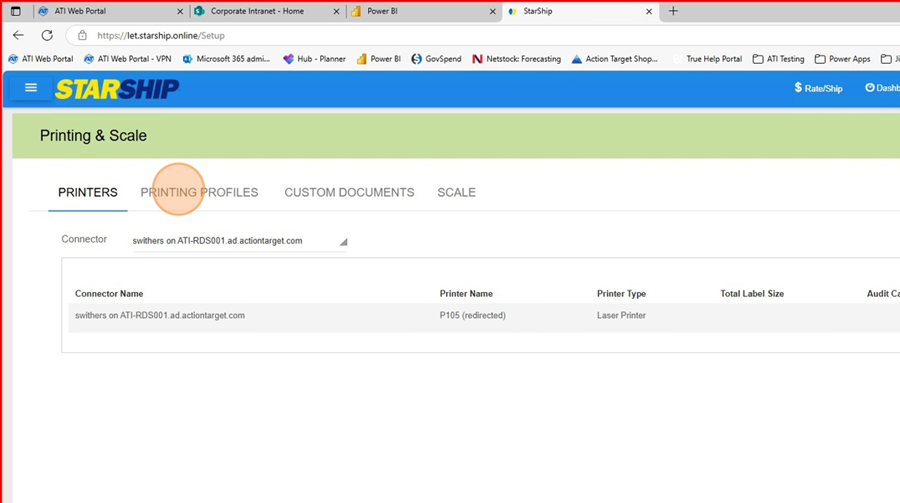
3. Click on "Printing Profiles"
4. Click on the Printing Profile you want to copy and then click on "Copy"
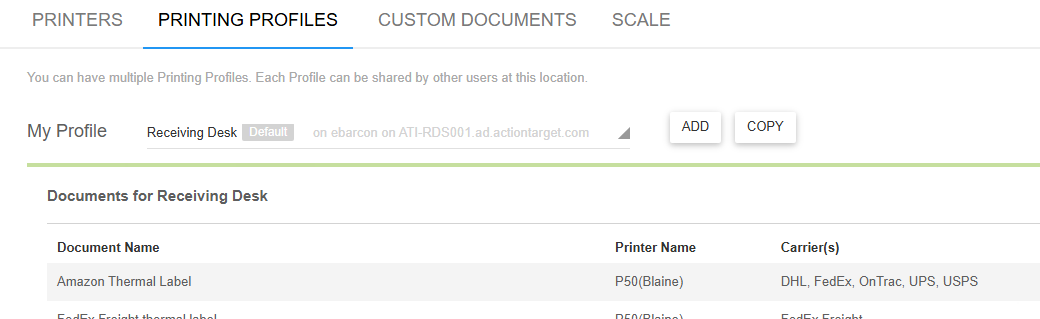
5. Choose the connector that you want to create the profile for
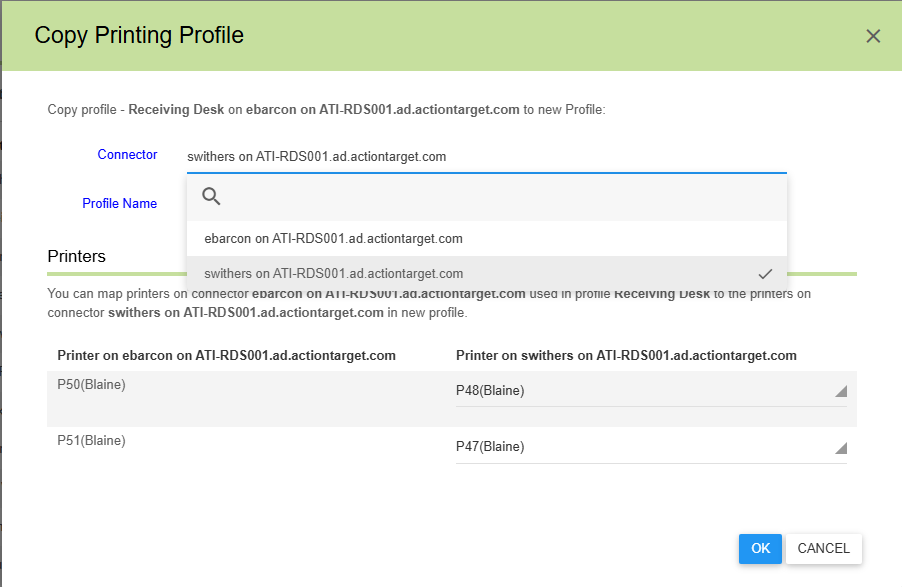
6. Name the Profile and choose the printer you want to copy of the user.
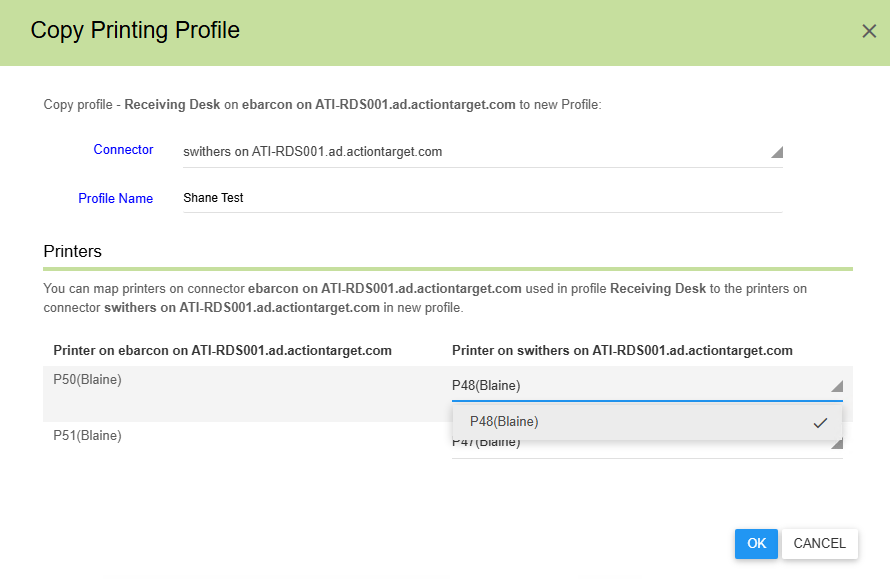
7. Click OK and then you are done.
No Comments