
Starship - User Setup Printers
Follow these steps to setup the Printers for the user. Typically 2 printers are needed:
- Laser Printer
- Lable Printer
The Starship Online Connector on your desktop must be setup and running on your desktop before you can do any of these steps.

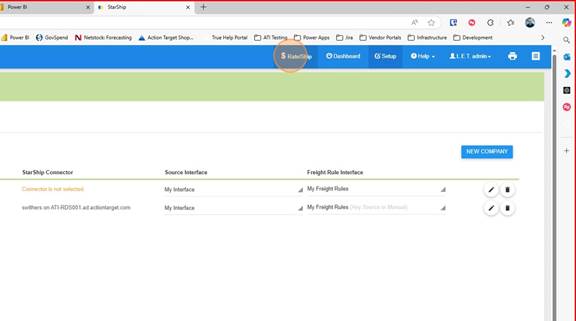
1. Click on "Rate/Ship"
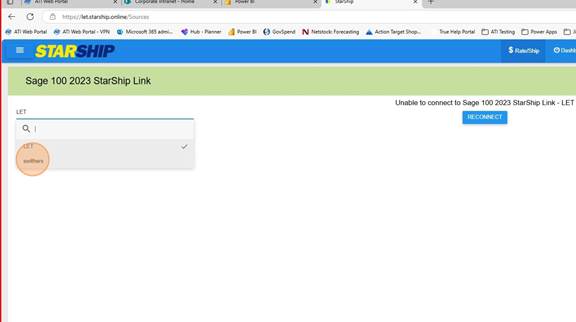
2. Choose the user connector
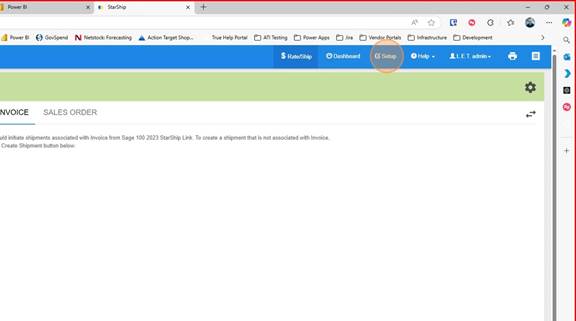
3. Click on Setup
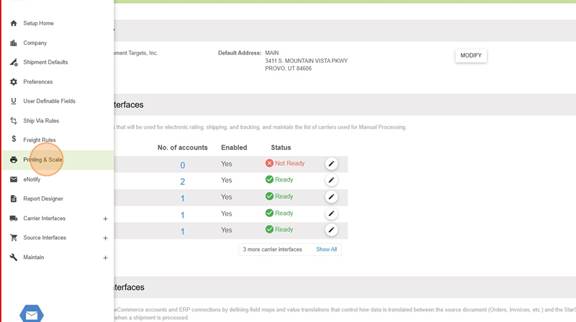
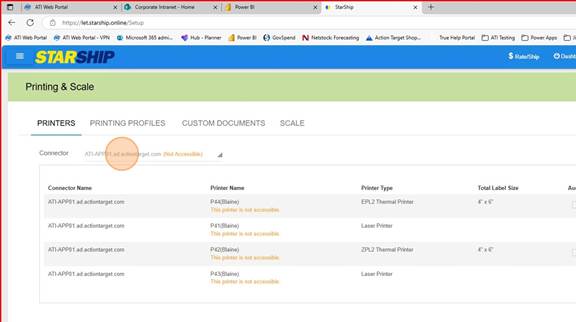
4. Click on "Printing and Scale"
5. Under Printers choose the Connector you want to add printers to
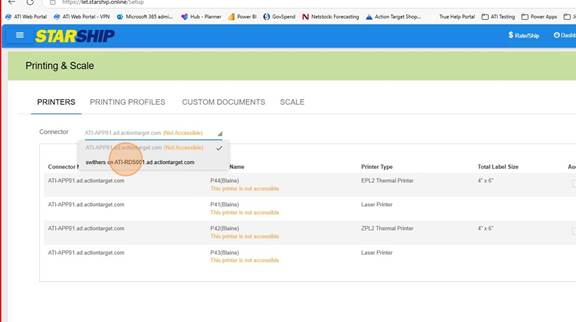
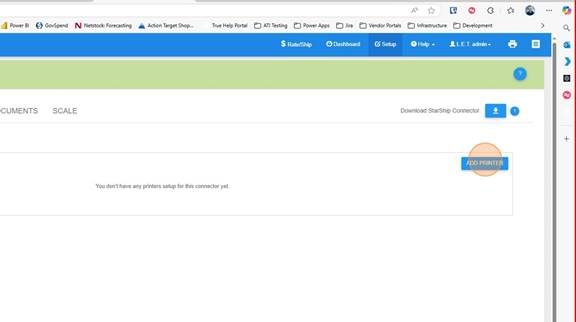
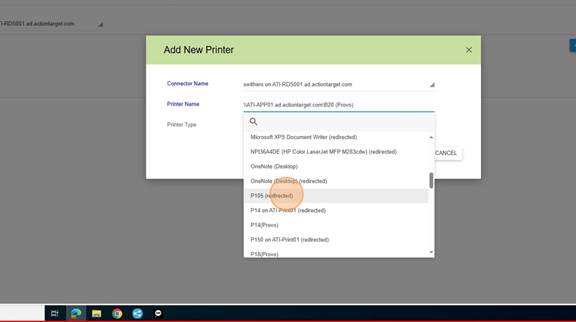
7. Click on "Add Printer"
8. Select the Printer to add
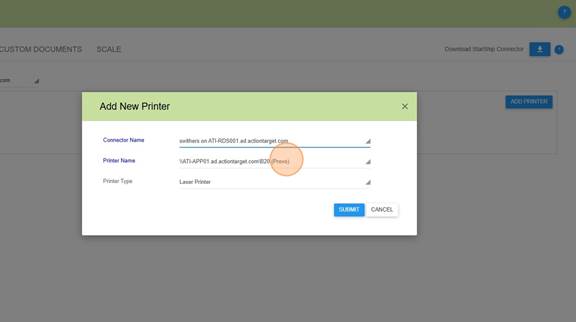
10. Click Submit
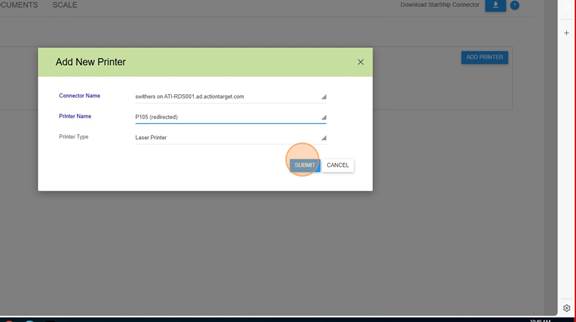
11. Continue until all of the Printers the user will be using are added.
No Comments